DE EN

Mods · Cyberpunk 2077

Christian Radio for Night City

A free mod for Cyberpunk 2077. It adds 97.7 Small Stone Radio, a Christian station with 18 worship songs by Simon Fury. Before each song, the station's AI DJ reads a Bible verse. You can tune in from any car or from the Radioport.

  • Free
  • PC: Steam, GOG, Epic
  • 18 songs, 75 minutes
  • Version 1.0.0
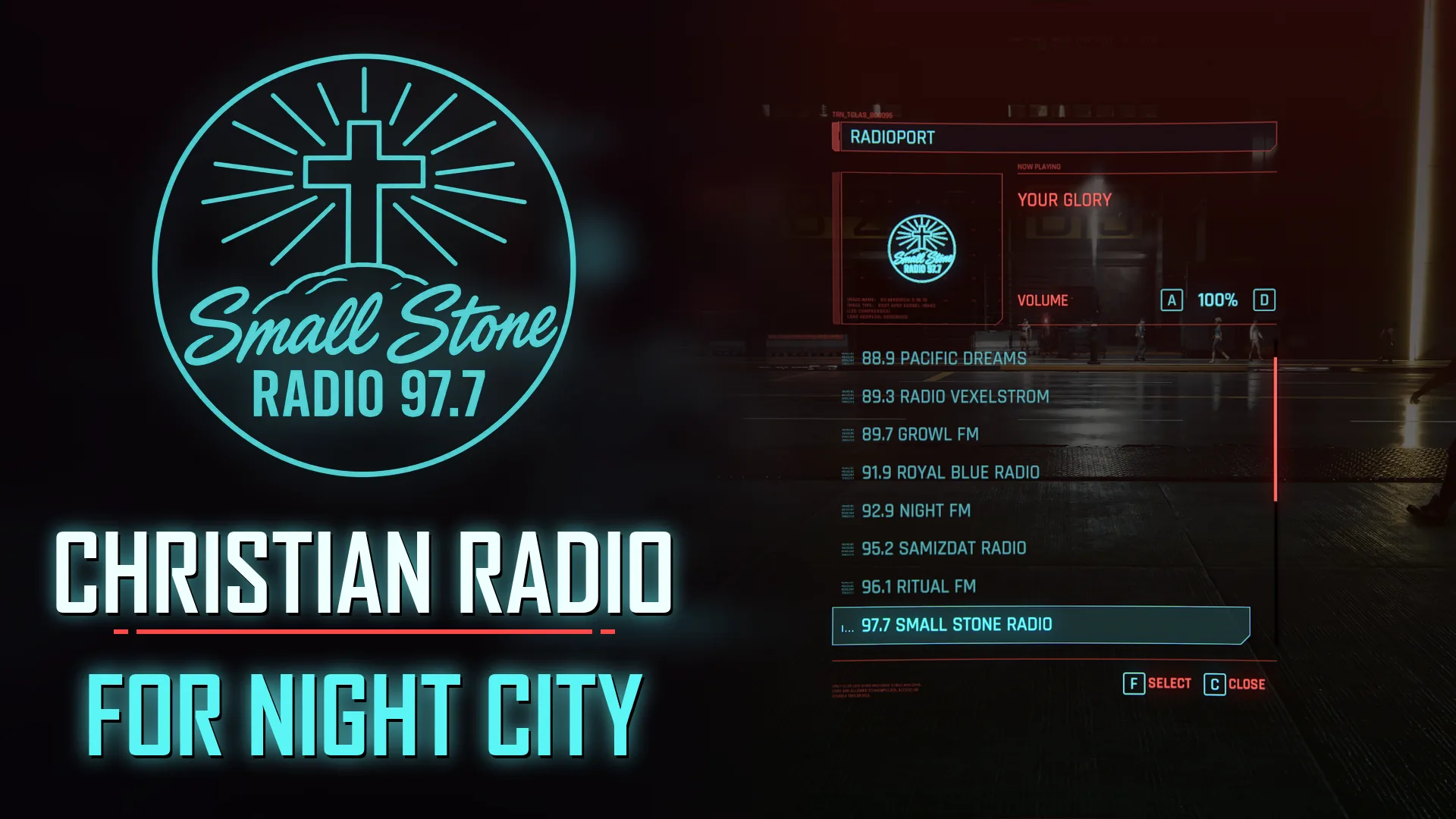
Christian Radio for Night City: the Small Stone Radio 97.7 logo next to the Radioport with the station selected

Tune in

The station runs around the clock, as it does in the game. When you tune in, you join the broadcast where it is right now, with the DJ and the songs in their order. After about 75 minutes it starts over.

97.7 · Small Stone Radio On Air

On air now

Heaven and Earth

Up next: He Came to Earth

The station needs JavaScript to play.

On the station: 18 songs, about 75 minutes, then it starts over

  1. 01Heaven and Earth1:52
  2. 02He Came to Earth2:18
  3. 03Good News4:10
  4. 04Armor of God Unreleased4:14
  5. 05Prince of Peace4:26
  6. 06Rejoice3:39
  7. 07God is Love5:00
  8. 08Do not Fear Unreleased3:44
  9. 09Jerusalem4:36
  10. 10Alpha Omega3:59
  11. 11Rising Son4:44
  12. 12Victory through Jesus Unreleased3:36
  13. 13Settled in Heaven5:22
  14. 14The God of Hope4:32
  15. 15Your Glory4:17
  16. 16Adonai5:09
  17. 17Surrender All5:24
  18. 18Yeshua Forever4:17

Its own station at 97.7

Small Stone Radio has its own logo and sits in the station list of every car and of the Radioport, next to Night City's other stations.

Verses between songs

Before each song, the station's AI DJ comes on for a short break and reads a Bible verse, a different one every time. The breaks are mixed so the voice never runs over a song.

18 worship songs

15 songs come from the album Heaven and Earth. The other 3 are unreleased songs from the next album, Armor of God.

In the game

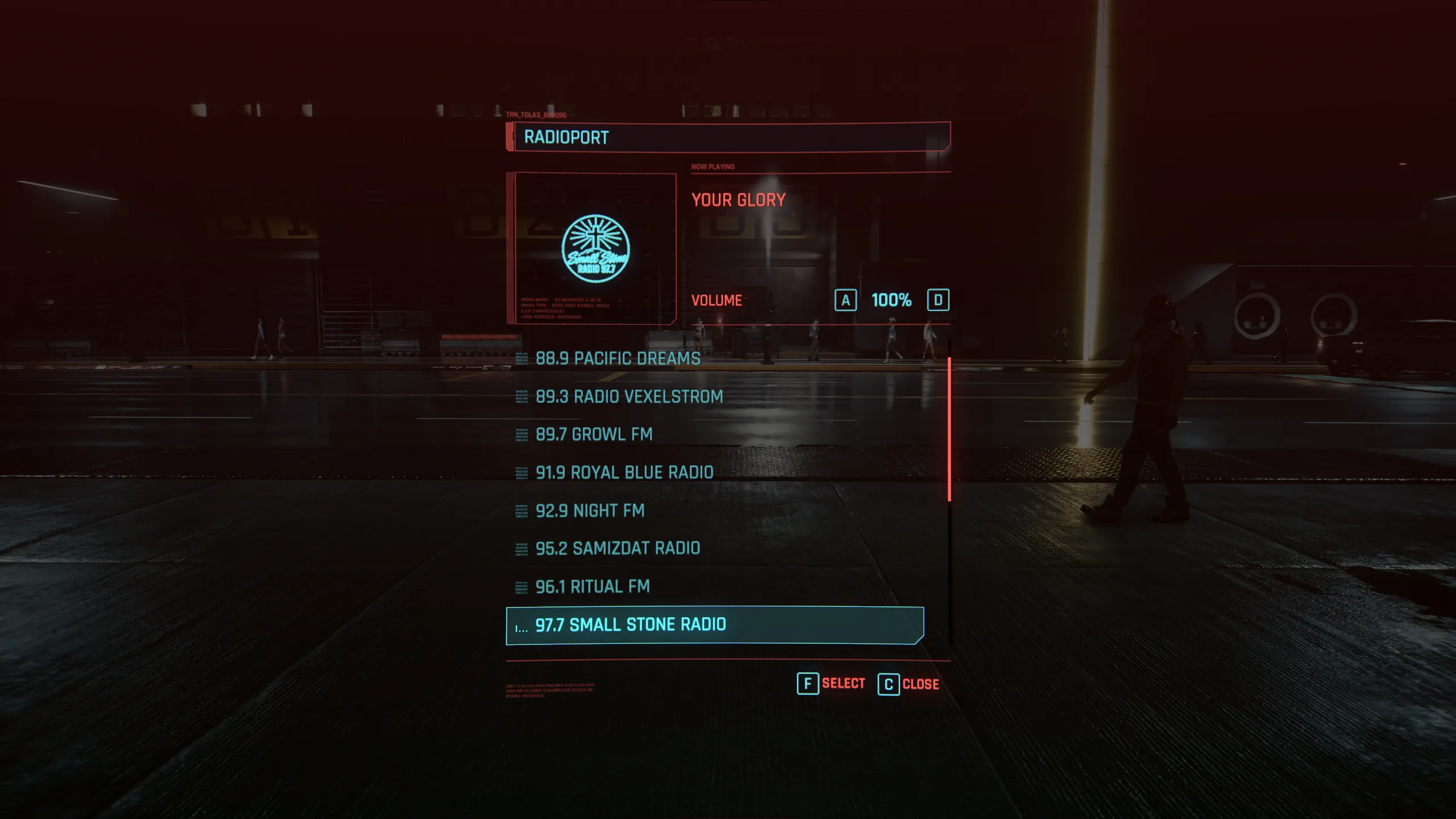
A screenshot and two videos from the game with the mod installed. The videos open on YouTube.

The Radioport in Cyberpunk 2077 with 97.7 Small Stone Radio selected, playing Your Glory
The Radioport with 97.7 Small Stone Radio, playing Your Glory
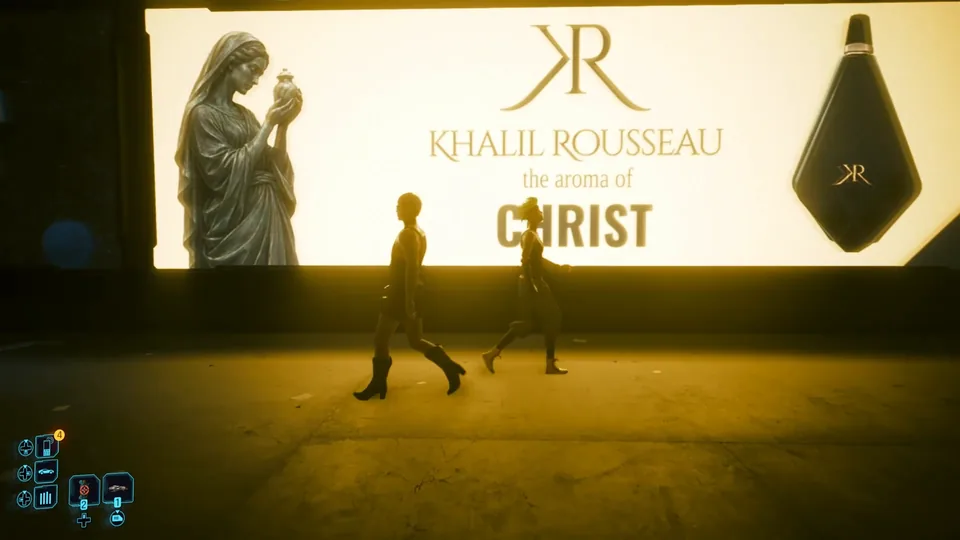
A Khalil Rousseau billboard reading the aroma of Christ, with two people walking past5:13
Video, part 1: walking through Night City with the station on
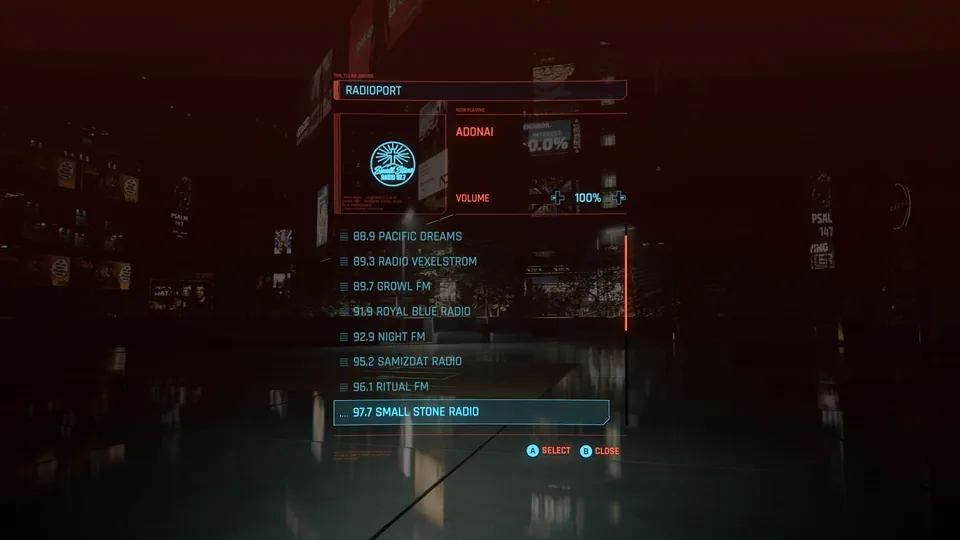
The Radioport playing Adonai on 97.7 Small Stone Radio1:01
Video, part 2: the station on the Radioport

The story behind the station

In the story of the mod, a netrunner named Simon Fury hacked Night City's ad network. That is why the billboards in Christian Ads for Night City quote the Bible. While he was inside, he took over an old corp relay tower in Watson that nobody used anymore and turned it into a pirate station. He left an AI on the mic to run it. Now and then the corp tries to lock the station out, and you hear it as static.

The idea comes from Genesis 50:20, where Joseph tells his brothers that what they meant for evil, God meant for good. AI is often used to do harm. On this station it reads Scripture and plays worship music.

Simon Fury

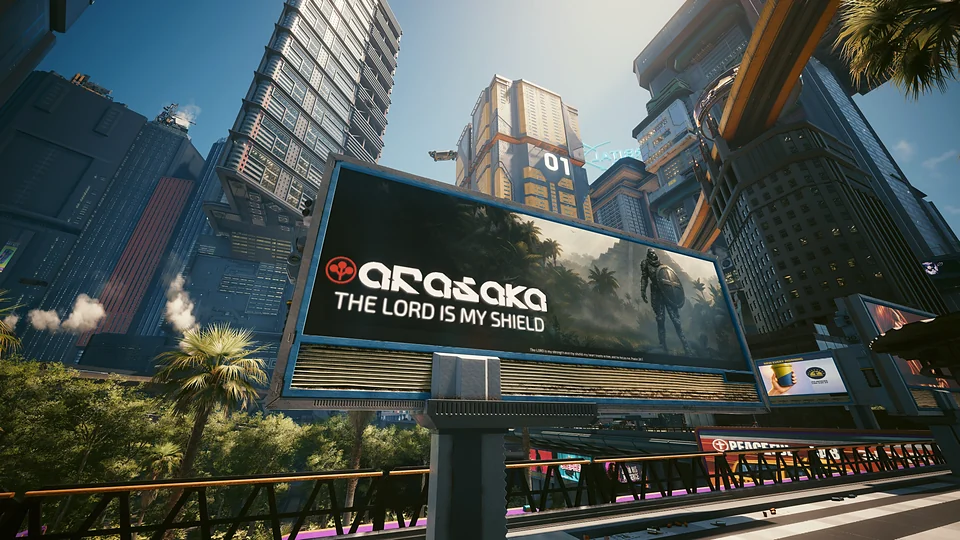
An Arasaka billboard in daylight reads THE LORD IS MY SHIELD
The other half

Christian Ads for Night City

The hack from the story is a mod too. It replaces the ads of 95 Night City brands with Christian ones, each with a Bible verse. Each mod works on its own, and they also run together.

How to install

Requirements

Made and tested on Cyberpunk 2077 version 2.5. Install these three mods first:

Steps

  1. Install the three mods above.
  2. Download the zip from the Files tab on Nexus.
  3. Extract it into your Cyberpunk 2077 game folder, the one with the bin and archive folders. Windows “Extract All” suggests a new folder name, so change the path to the game folder itself. If Windows asks to merge folders, say yes.
  4. Start the game, get in a car or open the Radioport, and pick 97.7 Small Stone Radio.

The first time you start the game with Cyber Engine Tweaks, it asks you to choose a key for its overlay. Pick any key you don't use.

Where is my game folder?

  • Steam: in your Library, right-click Cyberpunk 2077 > Manage > Browse local files. C:\Program Files (x86)\Steam\steamapps\common\Cyberpunk 2077
  • GOG Galaxy: open Cyberpunk 2077, click the settings icon next to Play > Manage installation > Show folder. C:\Program Files (x86)\GOG Galaxy\Games\Cyberpunk 2077
  • Epic Games: in your Library, click the three dots on Cyberpunk 2077 > Manage, then the folder icon next to Installation. C:\Program Files\Epic Games\Cyberpunk2077

Station not showing?

Check that Radio Ext is the latest version from Nexus. Then open the Cyber Engine Tweaks overlay and look for lines that start with [RadioExt]. They say what went wrong.

Uninstall

Delete these two from your game folder: bin\x64\plugins\cyber_engine_tweaks\mods\radioExt\radios\Small Stone Radio archive\pc\mod\SmallStoneRadio.archive

Comments and updates on Nexus Mods

This is an unofficial fan work and is not approved/endorsed by CD PROJEKT RED.

The songs come from Simon Fury's albums. He wrote the lyrics from Scripture and made the music with AI, as described on Books & Music. The DJ voice, the music under the DJ breaks and the station logo were also made with AI tools. The screenshot and the videos are real captures from the game.

The songs belong to Simon Fury. Please don't upload them anywhere else or use them in other mods without asking.

Thanks to keanuWheeze for Radio Ext, to yamashi and team for Cyber Engine Tweaks and to WopsS for RED4ext.